Custom Genies Built by Zertain on Workato

Transforming Business Processes with AI-Powered Genies
Enterprise teams spend countless hours switching between disconnected systems, manually tracking tasks, and navigating complex multi-step processes. Whether it's an HR manager chasing onboarding status across ServiceNow and Workday, or an insurance adjuster cross-referencing damage images with cost tables across multiple platforms, the pattern is the same: fragmented systems create friction, errors, and delays.
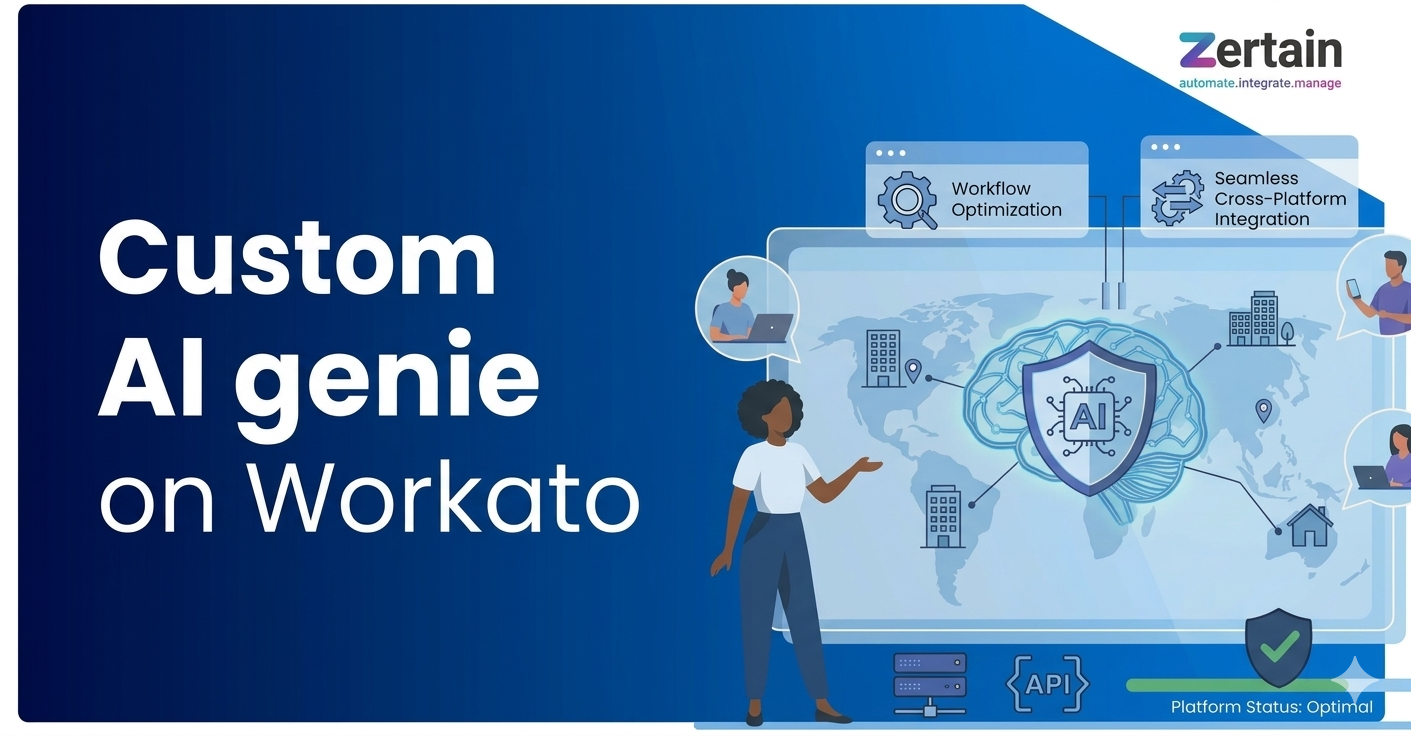
Zertain has built a suite of custom Genies on Workato that address these challenges head-on. Each Genie is a purpose-built AI agent designed for a specific business domain, connecting the applications teams already use and delivering answers, actions, and automation through a single conversational interface.
Here is a look at the ten Genies Zertain has developed, what problems they solve, and the enterprise systems they connect.
1. HR Onboarding Ops
Onboarding new employees typically involves tracking tasks manually across disconnected systems, which causes delays and data errors. The HR Onboarding Ops Genie centralises onboarding tracking and employee record updates with confirmation-based controls. It connects ServiceNow (for retrieving onboarding cases, tasks, and subtasks and updating task status) with Workday (for retrieving and updating complete employee information). Every change is authorized and confirmed before it is applied, ensuring accuracy and accountability.
2. New Hire AI Assistance
New hires and pre-hires repeatedly contact HR for policy and benefits questions, overwhelming HR teams with repetitive enquiries. The New Hire AI Assistance Genie answers onboarding questions using only approved HR knowledge sources. It pulls information from Confluence as the source of truth for policies, employment terms, benefits, and procedures, and only creates a ServiceNow HR ticket when no relevant information exists and the user explicitly requests HR assistance. This frees HR teams to focus on complex cases rather than routine questions.
3. Insurance Agent
Policyholders face a complex, multi-step claims filing process that leads to incomplete submissions and delays. The Insurance Agent Genie guides policyholders step by step through the entire claims process, collects all required details and documents, creates the claim case in Salesforce, and sends confirmation and status updates via email. The result is a smoother customer experience with fewer errors and faster resolution.
4. Retirement Living FAQ Assistant
Residents and families struggle to find accurate information about retirement living projects, tour availability, and policies across multiple channels. This Genie provides instant answers from approved sources, manages tour scheduling through Salesforce, and raises support requests when information gaps are identified. It connects to Salesforce for project information (amenities, pricing, availability) and tour management, while using Confluence as the policy source for answering retirement living questions.
5. Claims Analyst
Insurance claims assessment is a manual process where adjusters must cross-reference damage images, cost tables, and claim data across multiple systems. The Claims Analyst Genie collects claim details from Salesforce, retrieves region-specific repair cost rates from Zoho, uses AI Vision services to compare before-and-after damage images, estimates repair costs, and generates a clear assessment report. It checks repair values against the requested claim amount, giving managers the information they need to make faster, more informed decisions.
6. Sales Assistant
Sales reps waste significant time switching between CRM and finance systems to manage leads, conversions, and invoicing. The Sales Assistant Genie unifies lead management, opportunity conversion, and invoice retrieval in a single conversational interface. It connects to Salesforce for fetching leads and opportunities and executing lead conversion, and to Zoho for retrieving customer invoice details — giving sales teams a single point of access for their day-to-day work.
7. Aged Care Safety Genie
Aged care staff often rely on paper-based or fragmented incident reporting systems, which risks compliance gaps with ACQSC and NDIS standards. The Aged Care Safety Genie guides staff step by step through incident reporting, tracks harm levels and follow-up actions, and supports reviews and reporting to meet safety and compliance standards. It integrates with Safety Culture to automatically create incident records, Confluence for incident procedures and compliance guidance, and email for sending incident confirmations.
8. Confluence Use Cases
Pre-sales teams spend hours searching for past project details scattered across knowledge bases. The Confluence Use Cases Genie instantly retrieves project scope, solutions, outcomes, timelines, and technologies with source references directly from Confluence. This gives sales and pre-sales teams rapid access to the information they need for client conversations and proposals, without manually searching through documentation.
9. Docket Extractor
Handwritten delivery dockets are manually transcribed in construction operations, leading to data entry errors and processing delays. The Docket Extractor Genie uses Document Intelligence to extract key delivery details from uploaded images of handwritten dockets with confidence scores, flags unclear data for review, and asks for user confirmation before submitting the validated data to JobPac to create delivery records. This transforms an error-prone manual process into a streamlined digital workflow.
10. Order Fulfilment Agent
Sales teams struggle with urgent, high-value orders because fulfilling them requires manually checking stock across multiple locations, calculating premium pricing, and coordinating logistics. The Order Fulfilment Agent instantly checks real-time inventory across multiple facilities, applies dynamic premium pricing, identifies the fastest fulfilment location, and confirms urgent orders within seconds. It connects Salesforce for customer details, inventory systems for real-time stock and transport schedules, and email for alerts and logistics updates — ensuring fast, accurate responses that help secure time-critical deals.
Why Custom Genies Matter for Enterprise Automation
Each of these Genies represents a shift from traditional integration approaches. Rather than asking employees to learn multiple systems and manually orchestrate processes, Zertain's custom Genies bring the systems to the user through natural conversation. The underlying Workato platform handles the complexity of connecting to Salesforce, ServiceNow, Workday, Zoho, Confluence, Safety Culture, JobPac, and other enterprise applications, while the Genie layer adds AI-powered intelligence and a conversational interface on top.
The domains covered — human resources, insurance, sales operations, aged care, pre-sales consulting, construction, and order fulfilment — demonstrate the versatility of the approach. Each Genie is tailored to its specific domain's terminology, workflows, and compliance requirements.
Getting Started with Custom Genies
If your organisation is dealing with fragmented processes across multiple systems, Zertain can help you identify where custom Genies would deliver the most value. Whether you need to streamline HR onboarding, accelerate insurance claims processing, or automate order fulfilment, the combination of Workato's platform capabilities and Zertain's implementation expertise provides a proven path to intelligent automation.
Ready to explore what custom Genies can do for your business? Get in touch with the Zertain team to start the conversation.
By Zertain Team
What’s a Rich Text element?
The rich text element allows you to create and format headings, paragraphs, blockquotes, images, and video all in one place instead of having to add and format them individually. Just double-click and easily create content.
Static and dynamic content editing
A rich text element can be used with static or dynamic content. For static content, just drop it into any page and begin editing. For dynamic content, add a rich text field to any collection and then connect a rich text element to that field in the settings panel. Voila!
How to customize formatting for each rich text
Headings, paragraphs, blockquotes, figures, images, and figure captions can all be styled after a class is added to the rich text element using the "When inside of" nested selector system.